


Best 3D VR Headset: A Complete Guide to Virtual Reality Headsets in 2026
September 20, 2026 | by Md. Samsul Haque
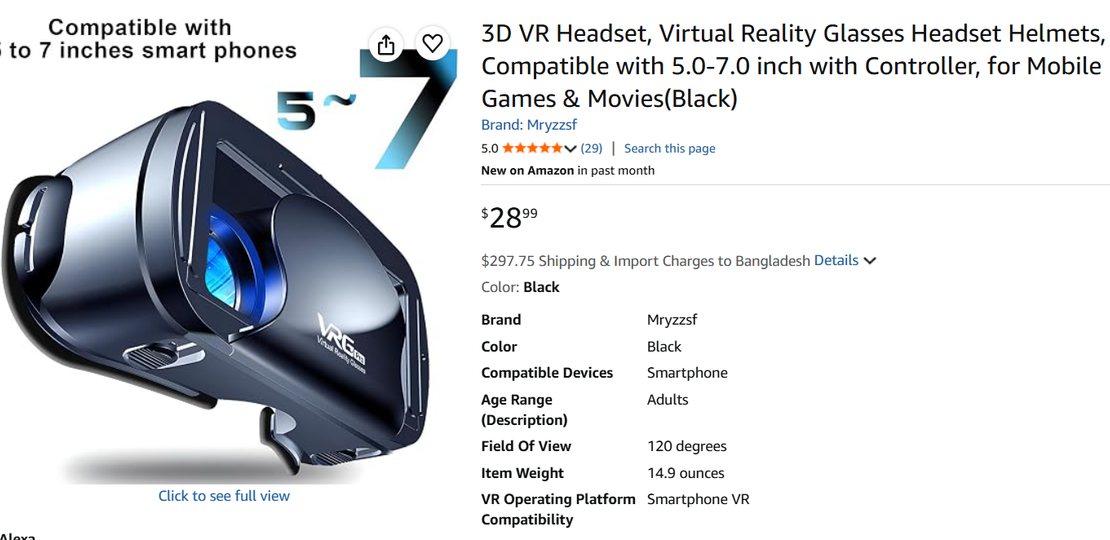
A 3D VR headset can transform gaming, movies, education, and other digital experiences into immersive virtual environments. Instead of viewing everything on a traditional flat screen, a VR headset uses specialized displays, lenses, and motion tracking to create a sense of depth and presence.
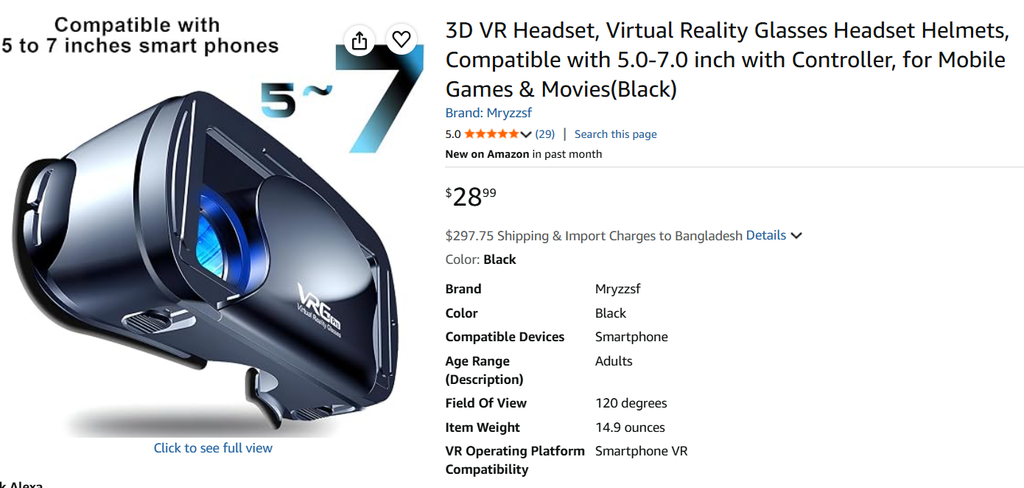
If you’re considering buying a virtual reality headset, understanding how the technology works and which features matter can help you make a more informed choice.
What Is a 3D VR Headset?
A 3D VR headset is a wearable device designed to create an immersive three-dimensional experience. It displays slightly different images to each eye, allowing the brain to perceive depth.
Modern VR headsets may also include motion tracking, built-in audio, hand controllers, and cameras. These features allow the virtual environment to respond as you move your head or interact with objects.
Some headsets operate independently, while others connect to a gaming PC or another compatible device.
How Does Virtual Reality Work?
A VR headset combines several technologies to create an immersive experience.
The displays provide separate images for the eyes, while the lenses help position those images correctly. Motion sensors and cameras can track head movement, allowing the virtual scene to change as you look around.
Depending on the device, VR can also track controllers or hand movements. This makes virtual reality more interactive than simply watching a 3D movie.
What Can You Do With a VR Headset?
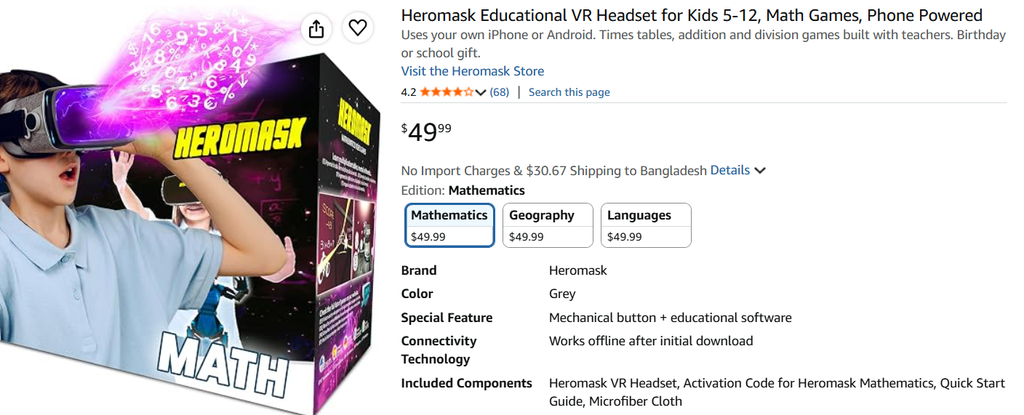
Education
VR can provide interactive educational experiences, including virtual museums, historical locations, scientific models, and other three-dimensional environments.
VR Gaming
Gaming is one of the most popular uses for VR. Compatible games can allow you to look around a virtual environment and interact with objects using controllers.
Movies and Videos
Many VR headsets can create a large virtual cinema screen. Some platforms also support 180-degree and 360-degree videos for a more immersive viewing experience.
Virtual Travel
Virtual reality can also be used to explore destinations, landmarks, museums, and other locations without physically traveling there.
Work and Meetings
Some VR platforms offer virtual meeting rooms and large virtual displays that can be useful for collaboration and productivity.
Important Features to Consider
Before buying a 3D VR headset, compare several important specifications.
Display Resolution
Higher resolution can make virtual environments, text, and images appear clearer. If you plan to use VR for reading or detailed gaming, display quality is particularly important.
Refresh Rate
Refresh rate affects how smoothly movement appears. A higher refresh rate can provide a smoother visual experience, although other hardware factors also matter.
Tracking
Tracking determines how accurately the headset follows your movements. Many modern headsets use built-in cameras for inside-out tracking, reducing the need for external sensors.
Standalone vs PC VR
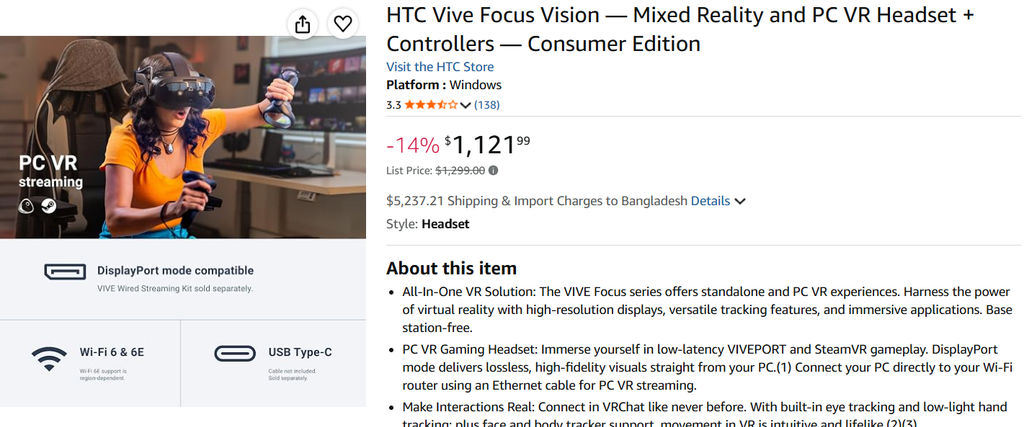
Standalone headsets contain their own processing hardware and can work without a gaming computer. PC VR headsets use a compatible computer and may provide access to more demanding VR experiences.
Comfort
Weight, head straps, facial padding, and adjustability can make a significant difference, especially if you plan to use the headset for longer sessions.
Controllers
Check whether controllers are included and whether they are compatible with the games and applications you intend to use.
Standalone vs PC VR
| Feature | Standalone VR | PC VR |
|---|---|---|
| Computer required | No | Usually |
| Setup | Generally simpler | More involved |
| Portability | High | Lower |
| Processing | Built-in | Uses PC |
| Best for | Convenience | Advanced PC experiences |
For beginners, a standalone headset may provide a simpler introduction to VR. Users who already own a capable gaming PC may prefer a PC-connected system.
Pros and Cons of 3D VR Headsets
Pros
- Immersive 3D experiences
- Interactive gaming
- Virtual cinema experiences
- 360-degree videos
- Educational applications
- Virtual travel experiences
- Wireless options on many modern models
Cons
- Some models can be expensive
- Headsets may feel heavy during extended use
- Standalone models have battery limitations
- Some applications require additional hardware
- Compatibility varies between platforms
- Some users may experience motion discomfort
What Should You Check Before Buying?
Consider these factors before purchasing:
- Compatibility: Check whether your preferred games and applications are supported.
- Comfort: Look for adjustable straps and suitable weight distribution.
- Display: Compare resolution and refresh rate.
- Tracking: Check how the headset tracks movement.
- Battery: Important for wireless standalone models.
- Storage: Consider how many applications you plan to install.
- Controllers: Confirm what is included.
- Connectivity: Check wired and wireless options.
- Content: Make sure the platform offers the experiences you want.
- Price: Include accessories and software when comparing overall cost.
Frequently Asked Questions
Is a 3D VR headset the same as a VR headset?
The terms are closely related. VR headsets create immersive virtual environments, while 3D depth is produced through techniques such as separate images for each eye.
Do VR headsets need a computer?
Not always. Standalone VR headsets can operate independently, while many PC VR systems require a compatible computer.
Can you watch movies with a VR headset?
Yes. Many VR platforms support traditional movies on virtual screens, as well as immersive 180-degree and 360-degree content.
Are VR headsets good for gaming?
They can provide an immersive gaming experience, but available games depend on the headset’s platform and hardware.
Final Thoughts
A 3D VR headset can provide an immersive way to experience games, videos, education, travel, and other digital content. The right headset depends on your budget, preferred activities, comfort requirements, and whether you want a standalone or PC-connected device.
Before buying, compare display quality, tracking, comfort, battery life, compatibility, controllers, and available content. This will help you choose a virtual reality headset that fits your needs.
Affiliate Disclosure: As an Amazon Associate, PickRight Hub earns from qualifying purchases. Prices and availability are subject to change.
RELATED POSTS
View all

Best Hitting Golf Mat: A Complete Guide for Golf Practice at Home
September 27, 2026 | by Md. Samsul Haque
Best Pillows for Side and Back Sleepers With Neck Pain
September 20, 2026 | by Md. Samsul Haque
5 Best Washing and Drying Machine Sets in 2026 – Reviews & Buying Guide
August 8, 2026 | by Md. Samsul Haque